
AI Product Photo Generator for Furniture Brands
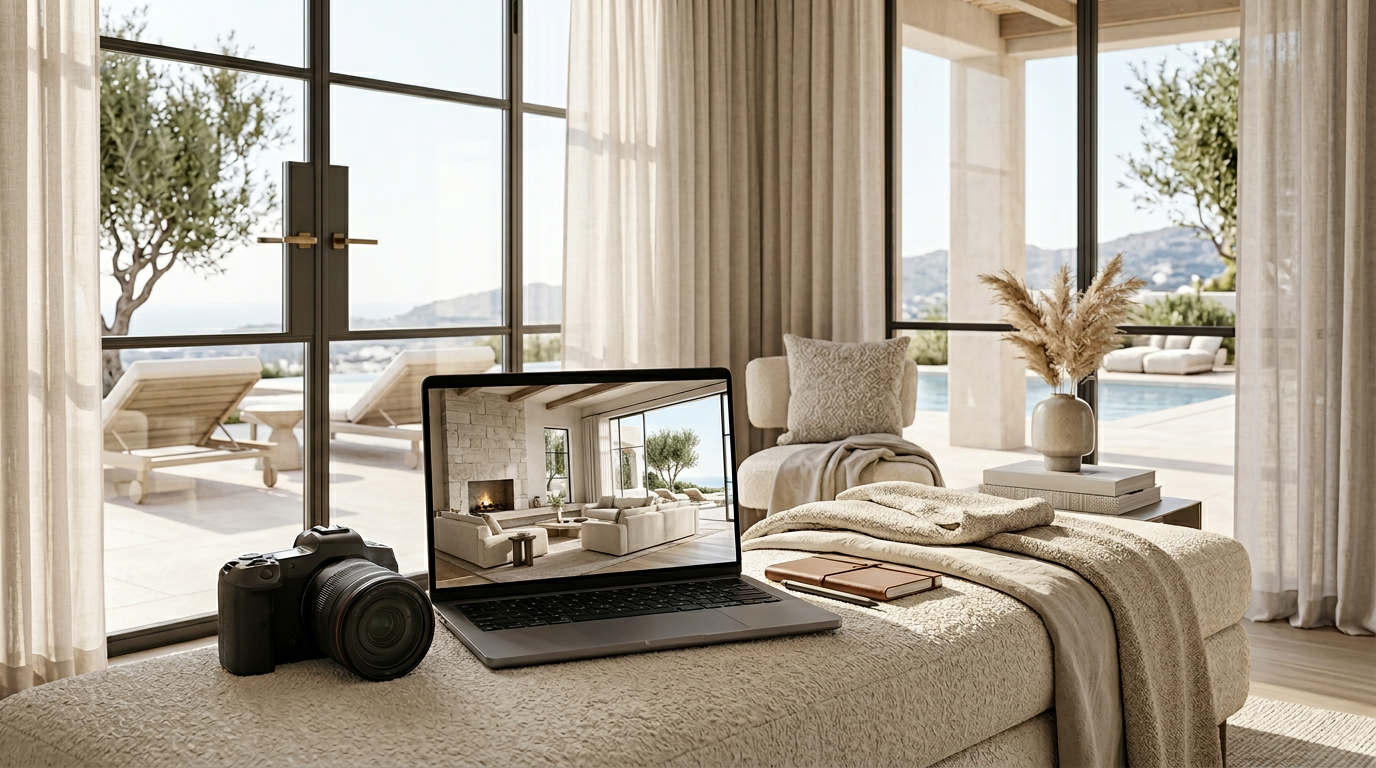
Caption: A room-scene output should make the furniture easier to evaluate without hiding the product shape, scale, or material impression.
AI product photo generation for furniture teams
TouchHue helps furniture teams turn one usable product photo into refined room scenes, PDP support images, and campaign-ready visual assets.
The goal is not to replace every photoshoot. The goal is to help your team create stronger first directions, supporting scene options, and ecommerce-ready visual assets before committing more time to physical production.
Every output should still be reviewed for product accuracy, channel fit, brand standards, and the requirements of the sales channel where it will be used.
AI product photography for furniture should preserve product identity before improving room atmosphere.
If your team is deciding whether to shoot again or extend an approved product image, compare the options on Furniture Photoshoot vs AI Product Visual Workflow.
Start from the product image you already have
Many furniture teams do not begin with a perfect studio cutout. They may have a supplier image, a showroom photo, a warehouse shot, or a product image from an earlier campaign.
TouchHue is designed to make that starting point more useful. You can prepare the furniture subject, place it into a cleaner room context, and explore visual directions that make the product easier to understand.
Caption: A clear furniture subject with visible edges gives the workflow a stronger product reference before the room scene is generated.
The source image still matters. A clearer product photo usually makes the generated scene easier to review, refine, and approve.
What product photos work best
The best input photo gives TouchHue enough product information to preserve identity while improving the visual setting. For furniture teams, that usually means:
- a clear outline, so the silhouette of the chair, sofa, table, or cabinet can be read
- visible material and texture cues, such as fabric weave, leather grain, wood tone, stitching, or edge finish
- a main angle that shows the product form, not only a partial crop or decorative detail
- enough scale and proportion information for the product to feel believable in a room scene
- few hidden edges, heavy occlusions, or blocked legs, arms, backs, handles, or corners
- enough background separation for the product to be prepared or recovered before scene generation
TouchHue can help with imperfect source photos, but it should not invent product facts that are missing from the input. If a product detail is commercially important, the source photo or review notes should make that detail clear.
Create room scenes that support product presentation
Furniture is easier to evaluate when shoppers can see scale, material impression, styling, and atmosphere. A plain product image can explain the object, but a room scene can explain how the product might feel in a real interior.
TouchHue can help teams explore:
- hero scenes for a new furniture launch
- room scenes for PDP and collection storytelling
- alternate visual directions for ads or social tests
- supporting images that show product context
- cleaner presentation images from imperfect source photos
These outputs are intended for creative review and production support. They should be checked before use in paid media, sales-channel listings, sales materials, or product pages.
Build a more complete visual set from one direction
A single image is rarely enough for furniture ecommerce. Brands often need a hero image, close supporting visuals, secondary room scenes, and format variations for different placements.
TouchHue helps teams move from one approved direction toward a more complete set of assets. This can make it easier to compare room moods, present options internally, and prepare a consistent visual story around the product.
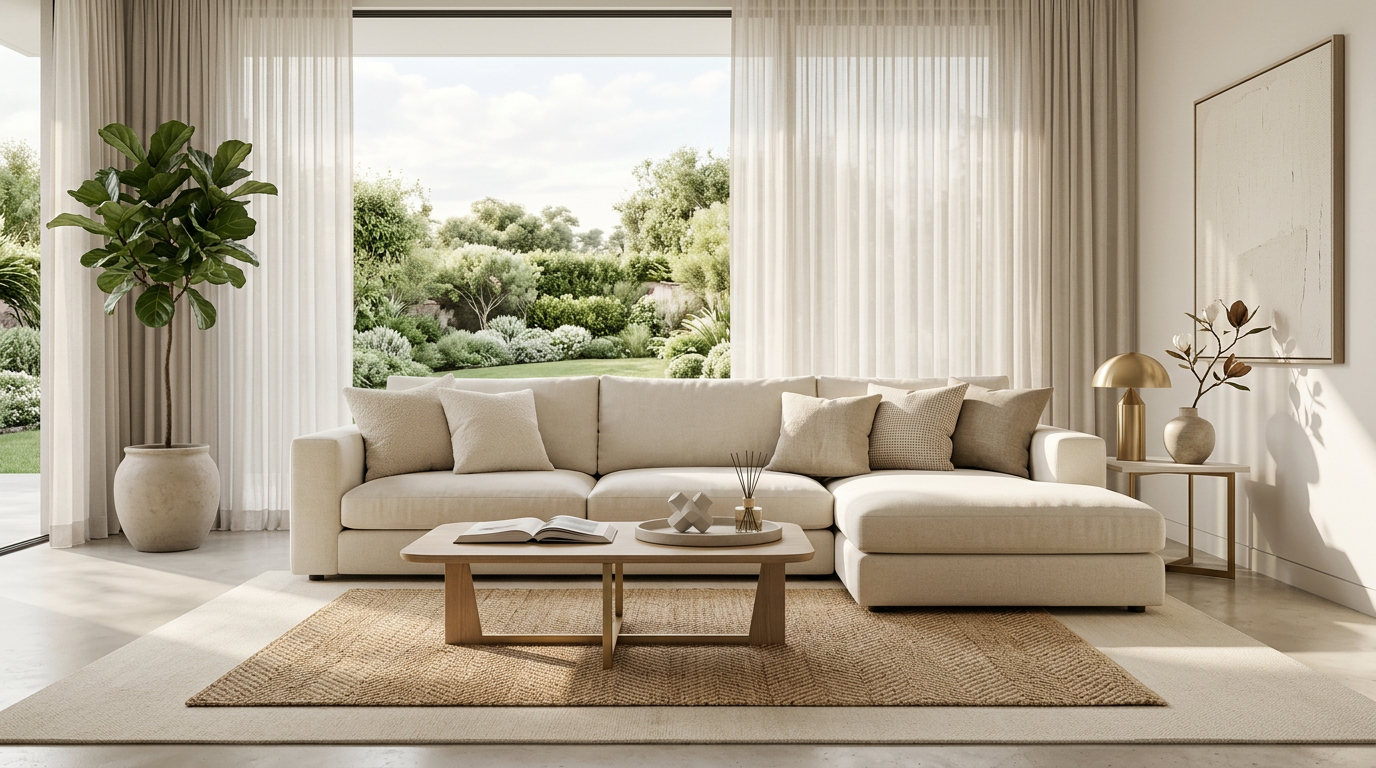
Caption: A second room view helps teams judge whether the approved product direction can extend into supporting PDP or campaign assets.
Where furniture teams can use the workflow
The workflow is useful when a team needs to review, plan, or produce visual directions for:
- product launches
- ecommerce product detail pages
- collection pages
- paid social concepts
- sales presentations
- lookbook and campaign planning
- room-based product education
TouchHue does not decide whether an image meets a sales channel's rules. Each team should review final images against its own product accuracy standards, disclosure requirements, and channel rules.
When TouchHue is the right fit
TouchHue is a good fit when your team has a usable furniture product photo and wants to explore better visual presentation before, between, or alongside full production.
It is especially useful when you need to:
- turn a product photo into a cleaner room-scene direction
- review multiple creative directions before a larger shoot
- create supporting ecommerce visuals for internal review
- prepare campaign concepts around a product launch
- build a more complete visual story from one approved look
- communicate room context to buyers, partners, or internal teams
It may not be the right fit when
TouchHue is not the right tool for every product-visual problem.
It may not be the right fit when:
- the product photo is too small, blurry, or incomplete to preserve identity
- exact proof of construction, certification, dimensions, or compliance is required
- missing product facts would need to be invented by AI
- the image must prove a material, mechanism, finish, or measurement that is not visible in the source
- the final use requires strict channel review that your team has not completed
- a full physical shoot is needed for legally precise product documentation
The workflow can improve presentation, but it should not replace product truth. Product facts, exact proof, and missing details should come from your team, not from generated imagery.
How this differs from a generic image generator
Furniture visuals have specific constraints. The product must remain recognizable. Scale should feel believable. Materials should not drift too far from the original. The room should support the product instead of distracting from it.
TouchHue is shaped around that furniture workflow:
- prepare the product image
- generate a room scene around the product
- review whether the product still feels accurate
- refine the direction
- extend the approved look into supporting visuals
That makes the tool more useful for furniture brands than a one-off image prompt workflow.
How this page differs from furniture campaign visuals
This page is the feature and workflow entry point for AI product photo generation. It explains what to upload, how the product-photo workflow should be reviewed, and where the tool fits in a furniture team's visual production process.
The furniture campaign visuals and PDP assets page is a use-case page. It focuses on how generated visuals can support product detail pages, campaign assets, collection storytelling, and launch materials after the team understands the core workflow.
Use this page when you are evaluating the tool. Use the campaign visuals page when you are planning where the outputs should go.
FAQ
Is TouchHue a general AI image generator?
No. TouchHue is focused on furniture product visual workflows. It starts from a furniture product photo and helps teams create room scenes, supporting product visuals, and review-ready creative directions. The workflow is more specific than a general prompt-only image generator because the product needs to remain recognizable.
What kind of furniture product photo should I upload?
Upload the clearest product photo you have. A good input shows the main outline, material or texture cues, the primary angle, and enough product edges for the item to be separated from the background. If important edges or details are hidden, the output should be reviewed more carefully.
Can TouchHue replace a furniture photoshoot?
Not always. TouchHue can help teams explore directions, create supporting visuals, and reduce the need to begin every concept with a full set build. A traditional photoshoot may still be the right choice when you need exact physical proof, strict documentation, or final images that require full production control.
Can I use the outputs for ecommerce PDPs?
TouchHue can help create ecommerce-ready visual assets for PDP review, supporting product images, and room-context storytelling. Before publishing, your team should review the output for product accuracy, channel fit, brand standards, and any requirements that apply to the sales channel where the image will appear.
Can TouchHue replace product backgrounds for furniture photos?
TouchHue can help prepare furniture product photos and create cleaner room-based backgrounds or scene contexts. The result should still preserve the product identity and should be reviewed when the original background hides edges, scale cues, materials, or other important product details.
For the broader ecommerce workflow, see product background replacement for ecommerce.