Most furniture teams do not have a content problem. They have an angle problem.
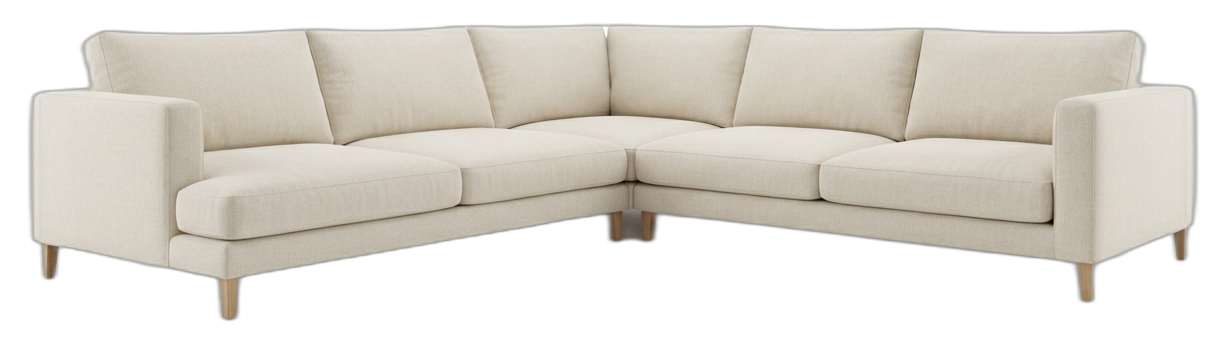
They already have one usable product photo, usually from a showroom, factory sample, or earlier shoot. What they do not have is the full asset set the business now needs: a hero scene, a tighter crop, a different room mood, a vertical layout, maybe a second placement for ads or email.
That is why the real question is not "Can one photo replace a full photoshoot?" The better question is:
When is one photo enough to create multiple selling images?
The answer is straightforward. One photo is enough when the business already trusts the product image and now needs commercial variation, not technical documentation.
What shoppers need is more than one view
This matters because ecommerce customers do not buy confidently from one view alone.
Salsify recommends using multiple product angles so shoppers can build a three-dimensional picture of what they are buying (Salsify). BigCommerce makes the same point from the PDP side: strong product pages use multiple high-resolution images, including close-ups, lifestyle shots, and images that show scale (BigCommerce). Baymard's research reinforces the stakes. Product images are often the main way users evaluate a product, and 56% of first actions on a PDP are spent exploring those images (Baymard).
So the market expectation is clear: shoppers need several useful views.
The operational problem is different: many furniture teams only have one solid source photo when the campaign clock starts ticking.
That is where workflow matters.
One photo works when the goal is extension, not proof
There is an important boundary here.
If the buyer needs to inspect the unseen back, underside, joinery, or a highly technical construction detail, one source photo is not a substitute for real capture. If the missing angle changes buying risk, you should shoot that angle for real.
But many commercial needs are different. They are not asking for engineering proof. They are asking for more persuasive presentation:
- a stronger hero scene
- a cleaner alternate frame
- a material crop
- a comfort detail
- a vertical format
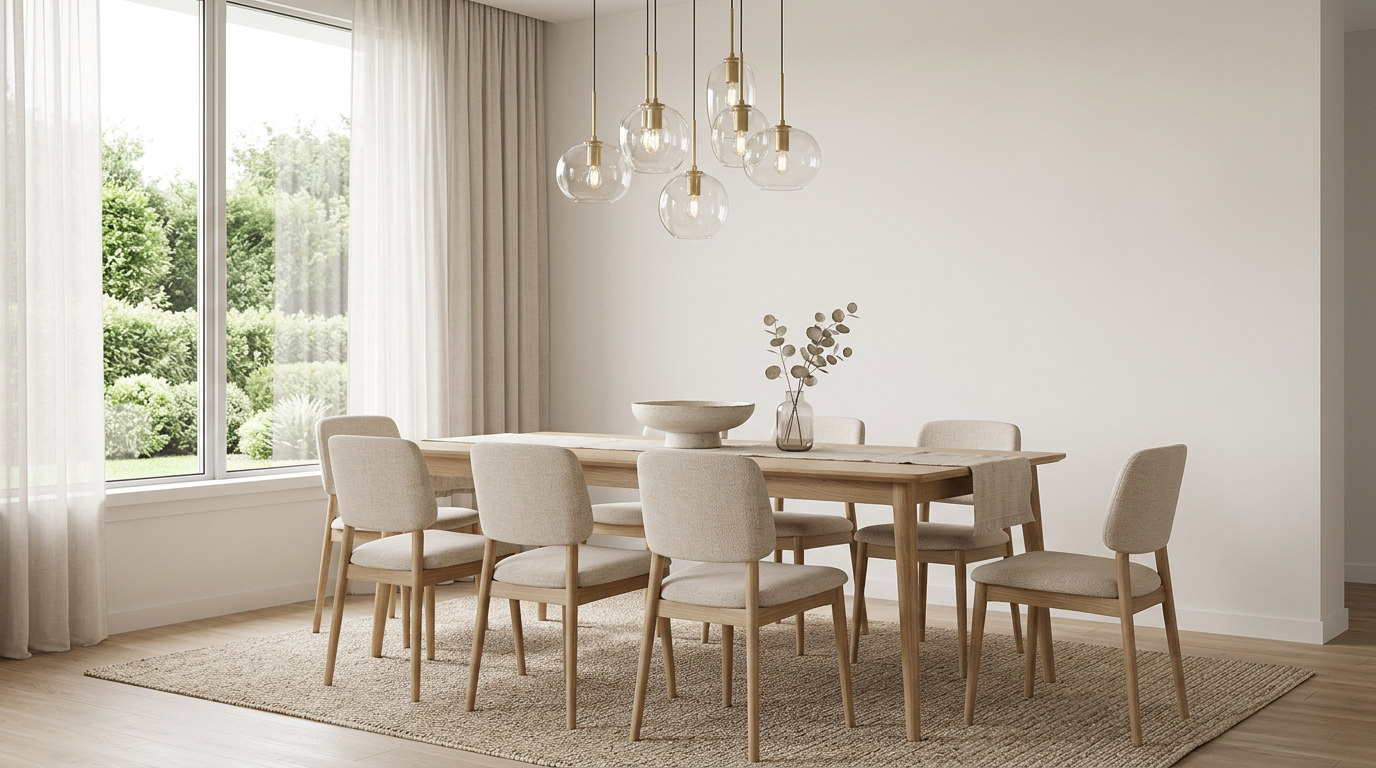
- a different but related room mood
That is exactly the range where one trusted product image can go much further than teams expect.
The real risk is not variety. It is drift.
The biggest failure in one-photo workflows is not lack of output. It is lack of consistency.
The product starts to change shape slightly from image to image. Upholstery looks warmer in one render and flatter in the next. The room style swings too far. By the fourth asset, the set no longer feels like one launch.
That is why the challenge is not "generate more scenes." The challenge is to generate more scenes without breaking product identity.
For furniture, three things need protection from the start:
- the product silhouette
- the material behavior
- the scene logic
If those stay stable, a single source image can branch into many useful assets. If they drift, the asset family stops feeling trustworthy.
A one-photo workflow that actually holds together
1. Start with a source image that deserves to be extended
The source photo does not need to be perfect, but it does need to be reliable.
You want:
- a readable silhouette
- enough visible material detail
- natural perspective
- enough resolution to support close inspection later
This is consistent with Baymard's zoom findings. If shoppers cannot inspect detail, confidence drops fast (Baymard).
2. Lock one anchor scene before branching
Do not start by asking for five different room ideas.
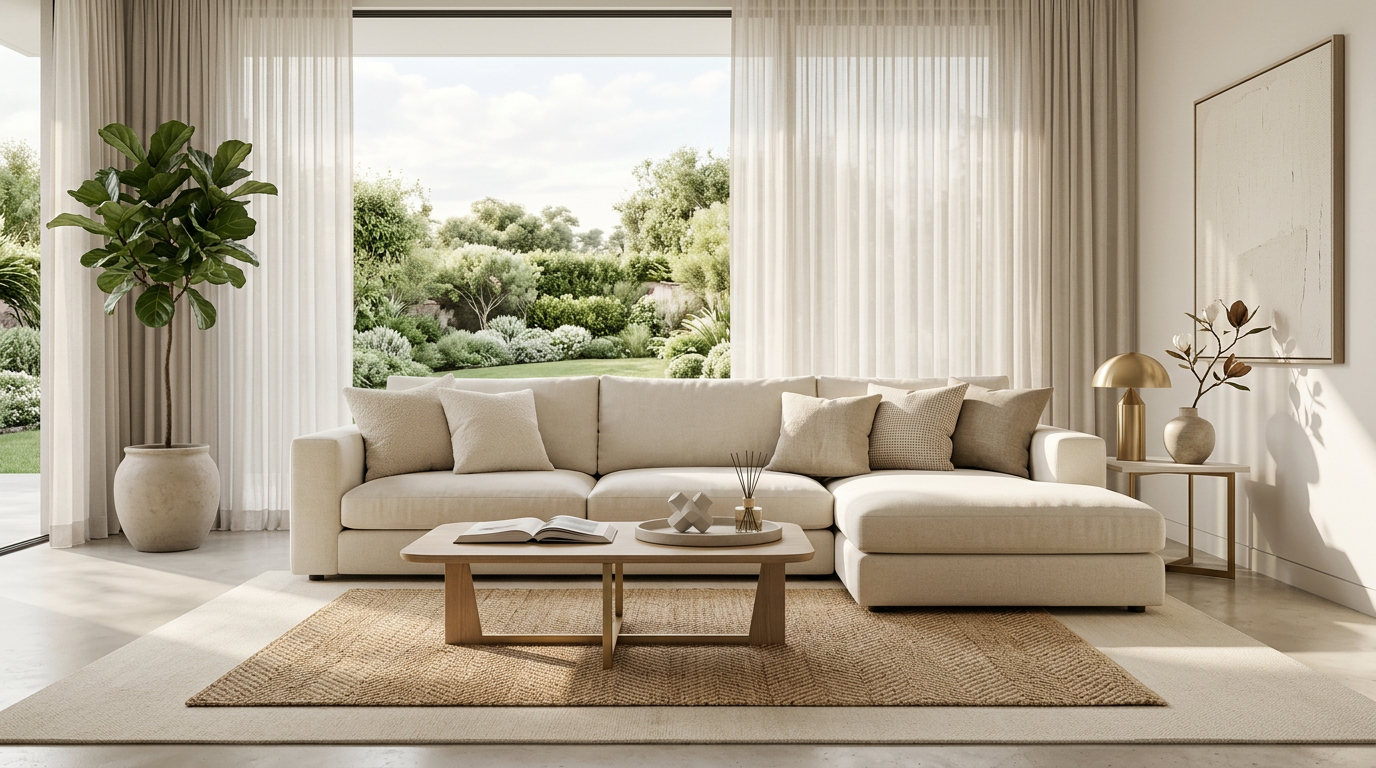
Start with one anchor scene that defines:
- lighting family
- room type
- overall tone
- product placement logic
Once that image is working, later outputs become much easier to control.
3. Branch by job, not by randomness
Every next image should answer a specific business need.
For example:
- hero for PDP or landing page
- alternate frame for banner or ad
- material close-up for quality proof
- comfort detail for upholstery
- context close-up for secondary modules
- editorial vertical for mobile
This approach works because each variation has a reason to exist. It also matches what ecommerce shoppers actually need from a gallery.
4. Refine before you expand
If the first hero is close but not ready, fix the scene before creating more outputs from it.
That usually means tightening cushions, improving material readability, cleaning edges, or calming the styling. If you expand from a weak anchor, you only multiply the weakness.
What "multiple angle" should mean in practice
For one-photo furniture workflows, "multiple angle" should not be understood as a fantasy promise that one flat image can become any exact engineering view.
It should mean something more useful:
- different commercial framings
- believable perspective shifts
- tighter and wider views
- same-scene supporting shots
- alternate mood directions that still preserve product identity
That is enough to solve a large share of campaign and PDP needs, as long as the team is honest about what still needs real capture.
Where TouchHue fits
This is the exact problem TouchHue is built to handle.
The workflow starts from one product image, prepares a clean cutout, locks an initial scene direction, and then keeps working inside that system. Retouch helps fix weak spots in the current result. Style lets the team shift the room mood without rebuilding the product from scratch. More Shots extends the approved scene into additional supporting outputs while preserving the same-scene logic.
That is the practical value. Not just more images, but more images that still feel like the same product story.
Related reading
- How to Turn One Furniture Product Image Into Multiple Campaign Assets
- Why Furniture Product Photos Look Inconsistent Across PDPs and Campaigns
- How Furniture Sellers Can Turn On-Site Product Photos Into Premium Room Scenes Fast
References
- Baymard Institute, Ensure Sufficient Image Resolution and Zoom
- BigCommerce, The Anatomy of a High-Performing Product Detail Page
- Salsify, Click, Shoot, Sell: Product Photography Tips and Tricks
- Adobe, What Is Product Photography and How Do You Do It?