Furniture Photoshoot vs AI Product Visual Workflow: What Actually Saves Time?

2026/04/03

Most furniture teams do not lose time because they chose the wrong tool. They lose time because they ask one tool to solve the wrong problem.

That is why the usual debate, "photoshoot or AI?", is not very helpful. The better question is much simpler:

What are we trying to produce right now: new proof, or more usable assets from product truth we already trust?

Once you ask it that way, the decision becomes clearer.

The two workflows are solving different jobs

Traditional photography is best when the business still needs to capture truth. Adobe's product photography guide makes that obvious just from the workflow itself: you plan the shot list, prepare the product, control the lighting, shoot multiple angles, and then edit the results (Adobe). That process is expensive, but it buys you something important: a new primary record of the product.

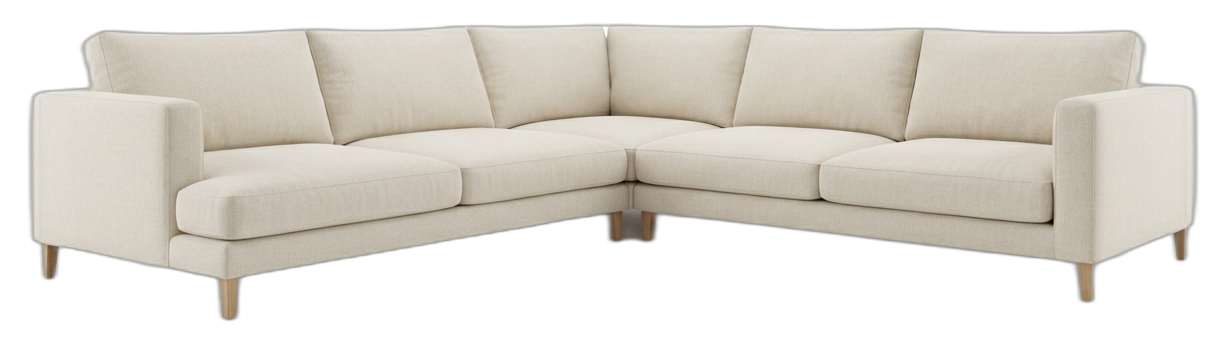
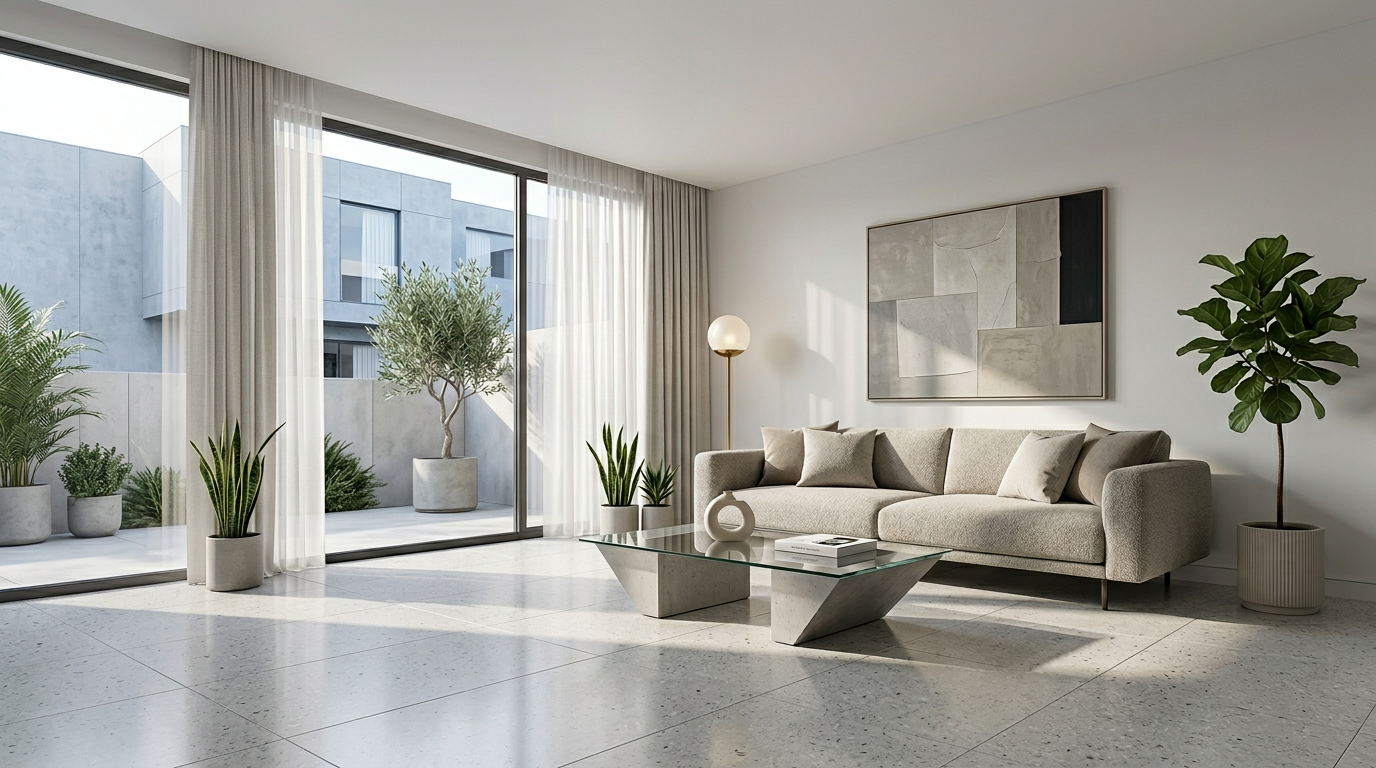
AI workflows are different. They are strongest after that truth already exists. They help the team turn one approved product image into a hero, a tighter crop, a different layout, or a new scene direction without re-running a whole production cycle.

So this is the basic rule:

  • If you still need to capture the product, photography is usually the right tool.
  • If you already trust the product image and need to extend it, AI is often faster.

That is the main point of the article. Everything else is just working out where that line sits for your team.

Why the distinction matters more in furniture

Furniture imagery is heavy to produce and heavy to judge.

The production side is obvious: large samples, shipping, styling, set decisions, lighting, and retouch all add time. The buying side is just as demanding. Baymard found that product images are often the primary way users evaluate a product, and that 56% of first actions on a PDP involve exploring those images (Baymard). BigCommerce makes the broader ecommerce case: online shoppers cannot touch or inspect the product, so the PDP has to do that work visually (BigCommerce).

That creates a double pressure for furniture brands:

  • the assets are expensive to make
  • the assets need to explain a lot once they go live

This is why teams get stuck. They are not only trying to make one pretty hero. They are trying to make a whole gallery and campaign set that can carry size, material, and quality signals.

When a photoshoot is worth the time

Use a traditional shoot when the team still needs something only a shoot can give.

That usually means one of four situations.

First, you need a new source of truth. Maybe the product has changed, the old image is weak, or the finish has to be documented properly from scratch.

Second, the brief depends on real-world specificity. If the campaign needs a particular set, real people, or a very exact live environment, AI may help later, but the foundation still comes from a shoot.

Third, the product itself is hard to fake credibly. Some finishes, reflective materials, or construction details need a literal capture pass before they can be merchandised confidently.

Fourth, you need more than still images. If video and stills must come out of the same production, a shoot is often the cleanest operational answer.

In other words, a photoshoot is slow, but it is not wasteful when the team still needs to create the base evidence.

When AI actually saves time

AI saves time when the team is no longer trying to discover the product. It saves time when the team is trying to ship around the product.

That usually happens after one clean product image or cutout is already approved. At that point, the slow part is no longer "What does this item look like?" The slow part becomes everything that follows:

  • testing a few scene directions
  • finding a usable hero
  • generating a detail crop
  • making the image fit a paid-social slot
  • creating a mobile-friendly vertical
  • fixing an almost-good result without restarting

This is where AI changes the economics. You are not rebuilding the product. You are extending an already approved product into more commercial outputs.

That is why the workflow often feels faster in practice. It reduces the cost of trying, adjusting, and extending.

The real mistake teams make

The mistake is not choosing photography. The mistake is reopening photography when the work no longer needs it.

If the team already has a clean approved product image, but every new hero, crop, or derivative asset triggers another mini production conversation, then the process is doing too much work to solve too little change.

That is the point where AI earns its place.

It does not replace the original act of documenting the product. It replaces a lot of the repetitive work that starts after the product is already documented.

A practical way to decide

When a new request comes in, sort it into one of these two buckets.

Bucket one: we need proof

Use this bucket when the team is saying things like:

  • we do not have a clean product image yet
  • the current image is not trustworthy enough
  • the material or construction is not documented properly
  • the campaign needs something physically specific

That points toward photography.

Bucket two: we need extension

Use this bucket when the team is saying:

  • the product image is approved, but we need a stronger hero
  • we need more supporting shots for the PDP
  • we need variants for different placements
  • the current image is close, but it needs refinement

That points toward AI.

This is a much more useful operating model than debating whether one tool is "better."

Why hybrid is often the real answer

For many furniture brands, the best system is not either/or.

Shoot once for truth. Then extend for speed.

That model fits the actual shape of the work:

  • the shoot gives you trusted source material
  • AI gives you range, speed, and iteration after approval

It is also more realistic financially. The team preserves the value of the original photography instead of forcing every later asset need back into the same expensive production loop.

Where TouchHue fits

TouchHue is built for the second half of that workflow. Once the product image is already good enough to trust, the job becomes turning it into a usable asset family. That is where the workflow matters more than the one-off output.

Instead of treating the first result as final, the team can keep pushing the same direction with Retouch, Style, and More Shots. That is useful when the business needs a hero, a detail crop, and a few campaign variations, but does not need to reopen a full shoot just to get there.

References

TouchHue Team

TouchHue Team